Customer
ℹ️
You must be logged in as Supervisor to change these settings
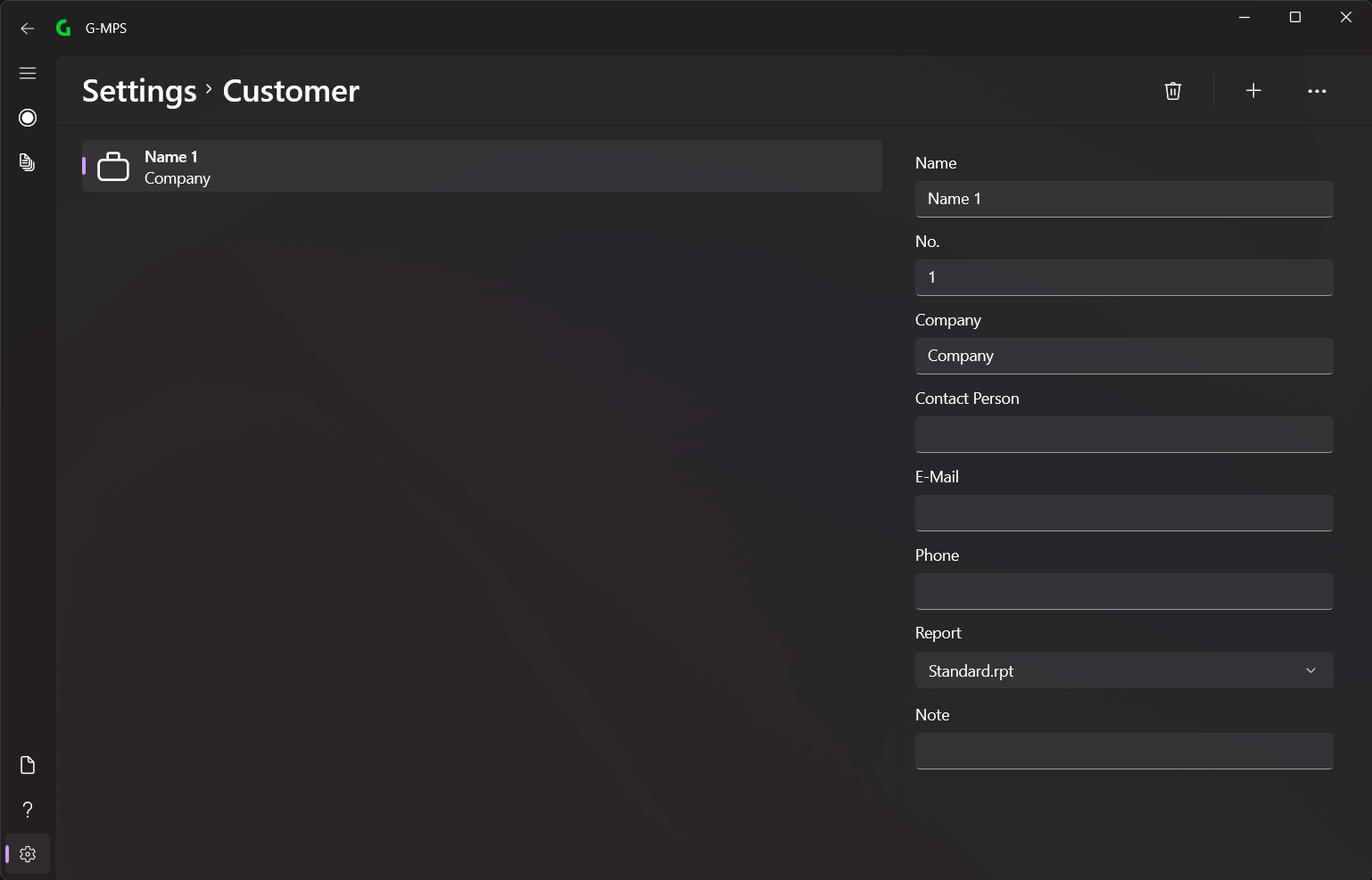
In the menu bar you can select the different options (from left to right):
- Delete selected Customer
- Add new Customer
All customers can be added here.
💡
It is recommended to add your own reports to the application first
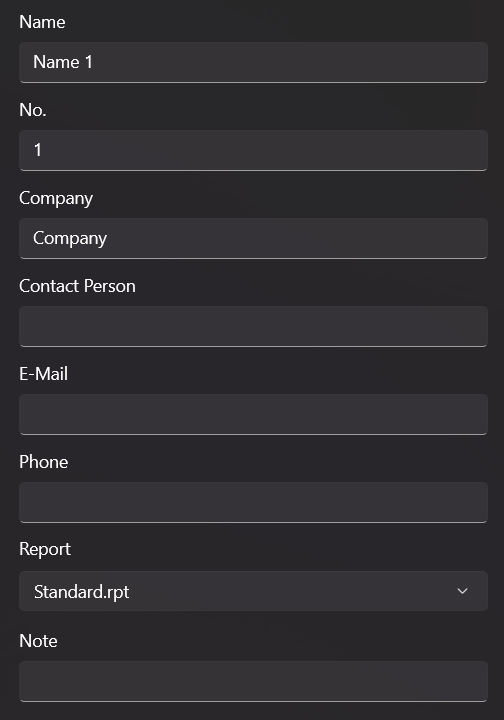
Here you can edit all information about a customer.
💡
Under Report you can select a report that will be used to generate the report when the customer is selected.