Group Reports
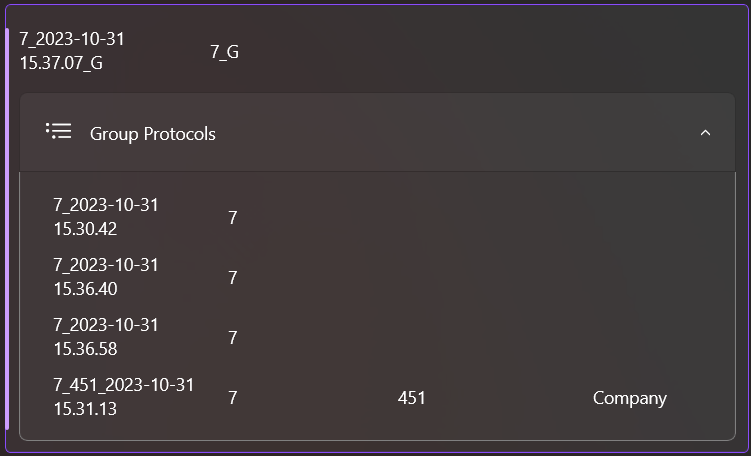
There are two ways to create a group report:
Data Recording Page
On this page, a group report can be created by giving the report an Order Number and then the Generate group report button will be visible in the Menu Bar Main.
💡
When creating the group report, all reports with the same
Order Number are taken together and a group report is created from them.Protocol Viewer Page
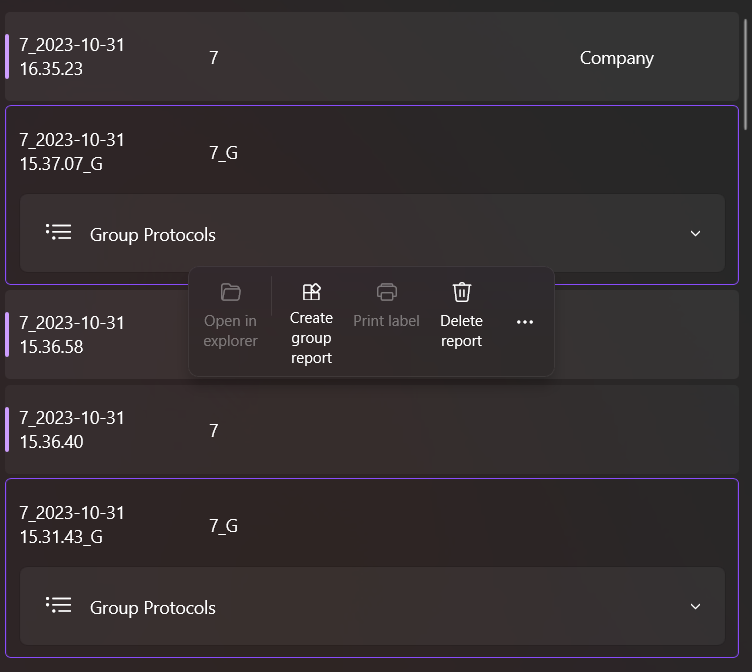
On this page you can create a group report by selecting all the individual reports you want to have together. This will activate the Create group report button, which will allow you to create the report.