Initial Setup
After successfully installing the software, some basic settings must be made to adapt the application to your specific requirements. Follow these steps for the initial setup:
1. Starting the software
- Open the software via the desktop icon or the start menu.
- Log in with the Admin user.
💡
Default password for admin user is: admin
💡
Default password for normal users is: user
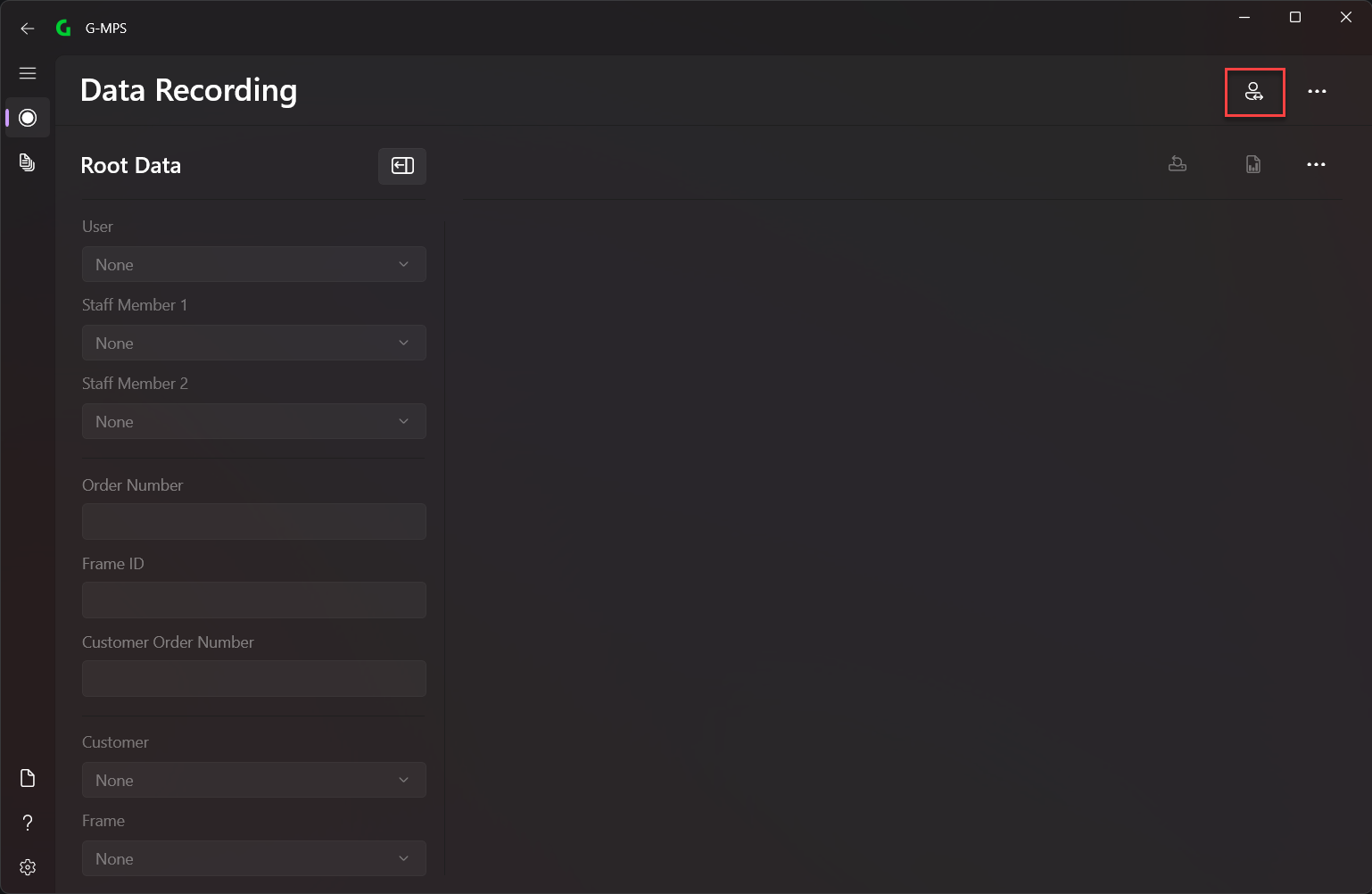
2. Change System Settings
- Go to Settings -> System
- Configure the system settings
- By default, a G_DATA folder is created under the
C:\drive.
💡
It is not recommended to change the G_DATA folder
💡
All required files are stored in the G_DATA folder
3. Save G-MPS-Reporter
- Save the G-MPS-Reporter in the following path:
C:\G_DATA\G-MPS-Reporter
4. Create your own Reports
- Create your own reports with SAP Crystal Reports.
5. Add remaining settings
The following settings can still be added:
6. Create your Reports
- Create reports now on the Data Recording Page