Document Viewer Page
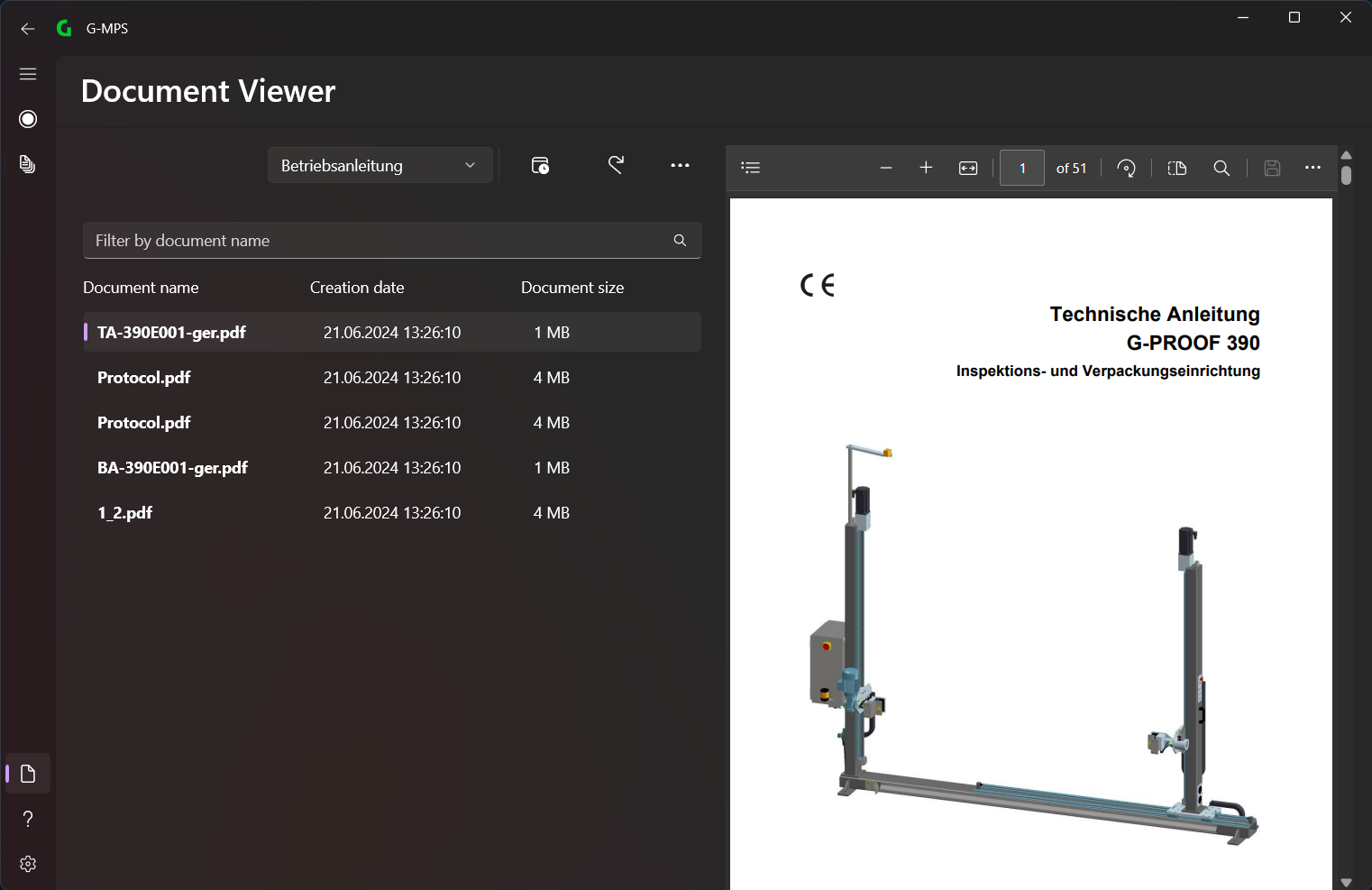
On the left side all documents are listed and on the right side is the view of them.
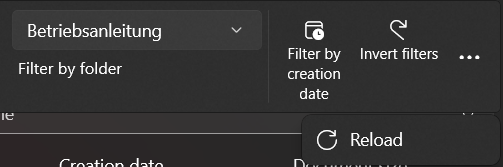
In the menu bar you can select the different options (from left to right):
- Filter by Folder
- Filter by creation date
- Invert filters
- Reload
Documents
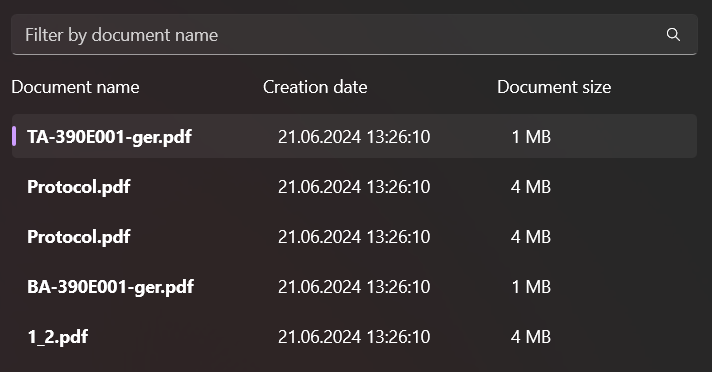
All files (images, PDFs, videos) that are in the G_DATA\Documents folder is displayed here.
💡
You can add your own files here, e.g. documentation.
You can create further folders in this folder to sort them by documents, images and videos, for example. This will then display the Filter by Folders option, which allows you to filter by the folders you have created.