Protocol Viewer Page
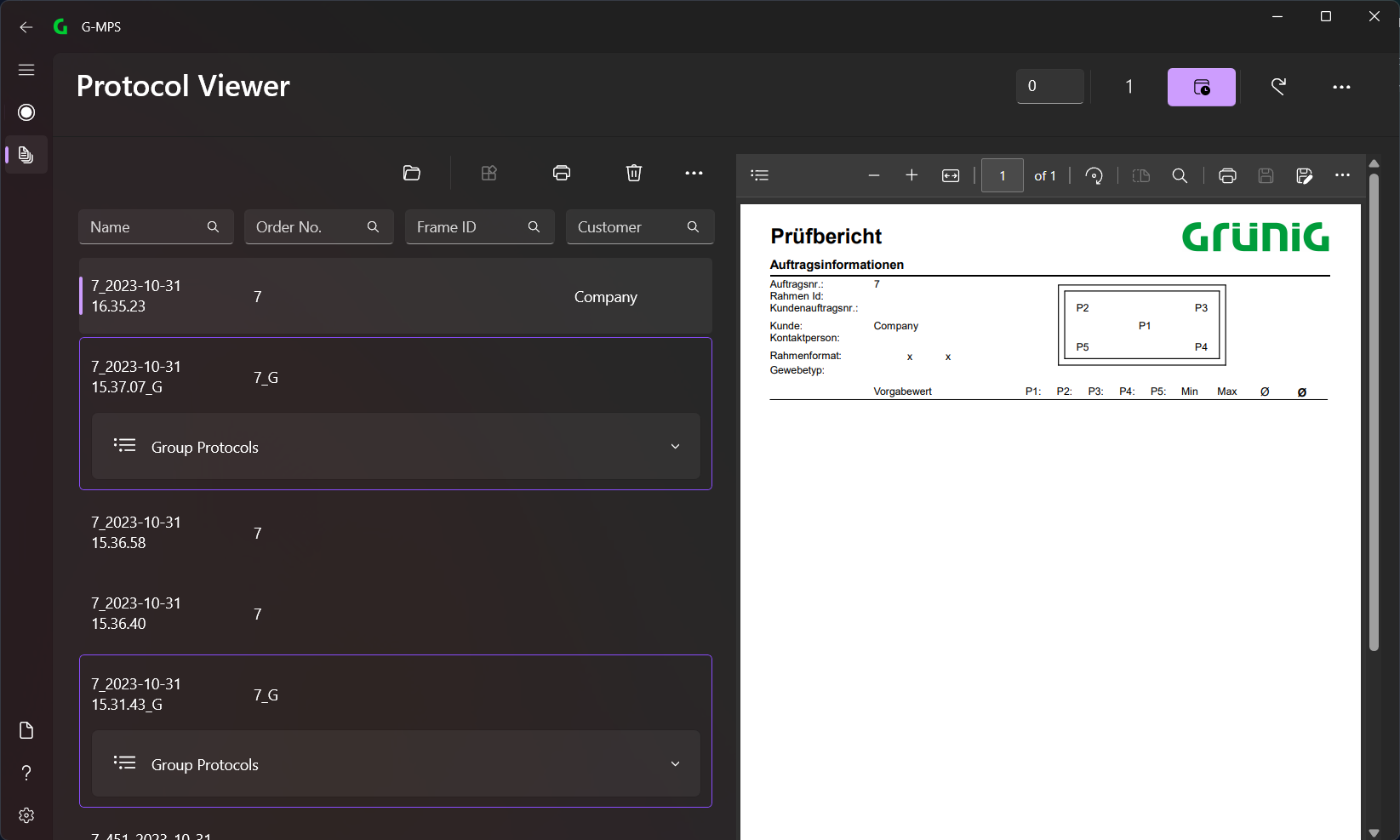
On the left side, all created reports are listed and on the right side, the currently selected report is displayed.
Menu Bar
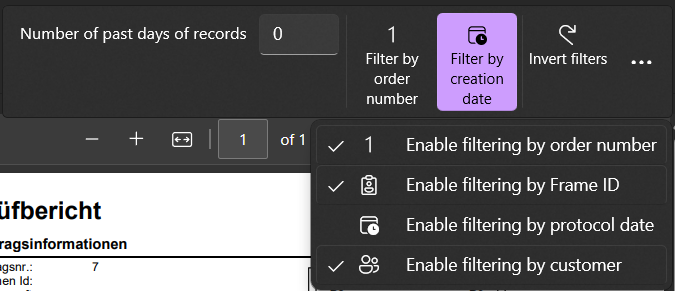
In the menu bar (top) you can select the different options (from left to right):
- Number of past days of record (show last x days)
- Filter by order number
- Filter by creation date
- Invert filters
- Enable filtering by order number (corresponding field for filtering is displayed)
- Enable filtering by Frame ID (corresponding field for filtering is displayed)
- Enable filtering by protocol date (corresponding field for filtering is displayed)
- Enable filtering by customer (corresponding field for filtering is displayed)
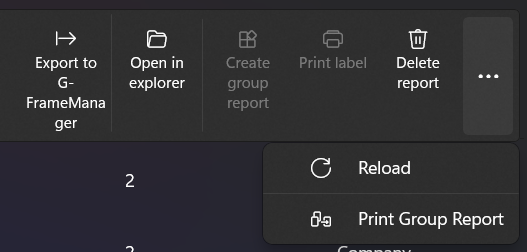
In the menu bar (main) you can select the different options (from left to right):
- Export to G-FrameManager (different reports can be selected)
- Must be activated in the Settings.
- Open in explorer
- Create group report (multiple reports must be selected)
- Print label
- Delete report
- Reload
- Print Group Report (if selected, the Group Report will also be printed when it is created)
Filter Bar

If the corresponding filters are active, you can filter the reports accordingly.
Reports
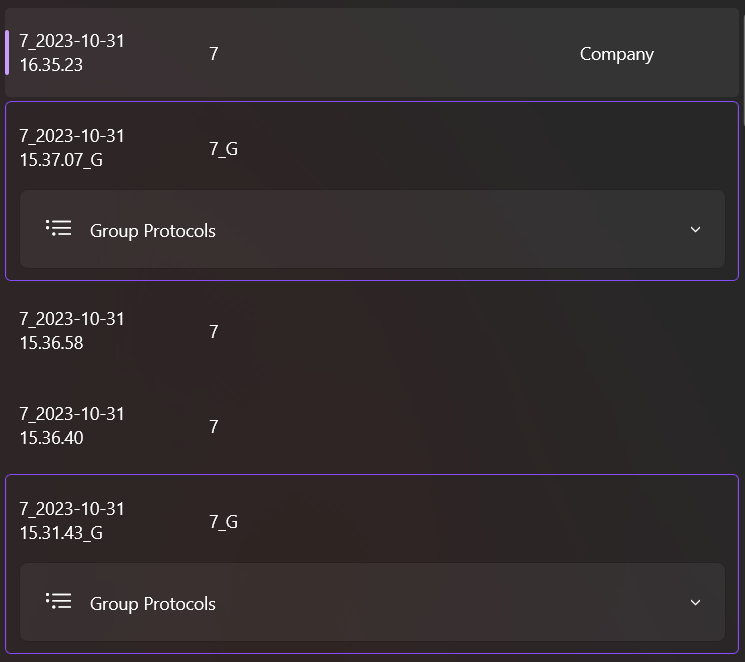
All created reports are listed here. You can view the created reports or print a label from them or, if several individual reports can be selected, create a group report from them.